What actually gets your app rejected by App Store review
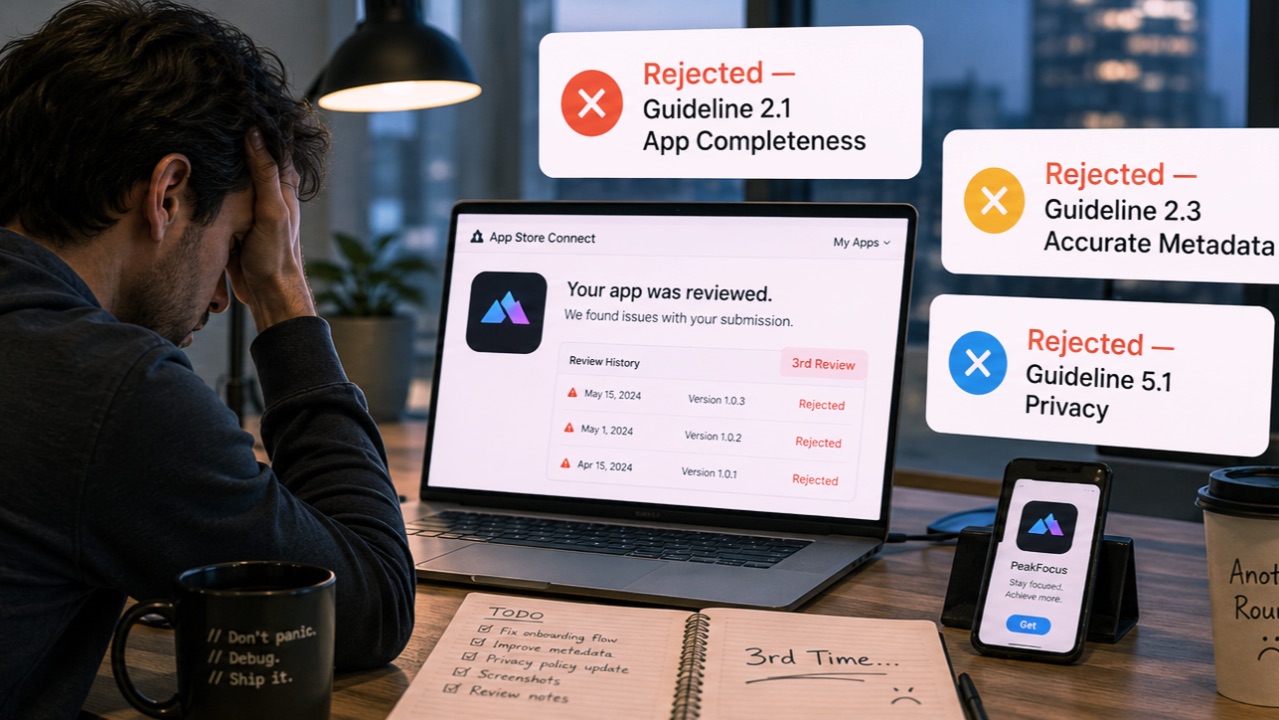
We reviewed your app and we can't publish it.
Four weeks of work. A build you tested on three devices. A screenshot set you redid twice because the status bar looked wrong.
And the rejection is not about any of that. It is about an incomplete declaration of the user data you keep.
That is the part nobody warns you about: App Store rejections are almost never about the product. They are about paperwork attached to the product.
The rejections that actually happen
After enough submissions, the same short list comes back:
- Missing purpose strings. Your code - or a dependency's code - touches a
privacy-sensitive API, and
Info.plisthas no matchingNS…UsageDescriptionkey. The upload is rejected before a human ever opens the app. (the full ITMS-90683 walkthrough) - Export compliance left unanswered. The build sits in Missing Compliance and never reaches review at all. (how to answer it once and for all)
- App Privacy answers that no longer match the code. You declared "no data collected" a year ago. Since then an analytics SDK landed. Nobody updated the form.
- Incomplete localisation. A language is listed on the product page but half the metadata is still in English.
- Forgotten App Store Connect fields. Support URL pointing at a 404, a demo account that expired, a review note that describes the previous version.
Notice what is missing from that list: your architecture, your UI, your feature set. The reviewer never got that far.
Why it keeps happening
Because none of it lives in one place.
Purpose strings are in Info.plist. Encryption declarations are in
Info.plist or in App Store Connect, depending on how you set it up. App
Privacy is a web form. Localisation is split between the Xcode project and the
product page. Review notes are yet another text field.
There is no single screen that says this submission is complete. So you check what you remember to check, ship, and find out days later which one you forgot.
The cost is not the rejection itself. It is the round trip: fix a two-line
Info.plist entry, bump the build, re-upload, wait in the queue again. That
turns a Tuesday-evening release into a next-weekend release.
Check before Apple does
That loop is why I built AuditStore, a native macOS app that audits a submission before it goes to review. It reads the Xcode project and the App Store Connect metadata and returns a verdict per item: blocking, recommended, or passed.
Two checks do most of the work:
App Privacy cross-check. It scans the project for sensitive API usage and compares what it finds with what you actually declared. This is the check that catches the SDK someone added three months ago and never mentioned on the privacy form.
Guidelines filtered to your app. Instead of the full Review Guidelines, it detects which features you ship - Sign in with Apple, tracking, in-app purchases, subscriptions - and shows only the rules that apply. Reading fifteen relevant rules is realistic. Reading all of them is not, which is why nobody does.
The free version runs the full local analysis and flags blocking issues. The full version is €19.99, one-time, no subscription.
The honest footnote
AuditStore itself was rejected three times.
Which was, in a slightly painful way, useful: each rejection became a new check in the tool. The purpose-string detection exists because I shipped a build without one.
If there is a lesson beyond the checklist, it is this: the submission is part of the product. Treat it like code you have to get right, not like a form you fill in at 11pm because the build finally compiled.